
Image: (c) Practical Boat Owner
The Ask the Experts Live! event at Beaulieu Boat Jumble in April was a very enjoyable day, particularly meeting so many of you face to face. We dealt with enquiries, demonstrated a batch of our Samsungs with charts loaded, and showed the difference between vector and raster electronic charts.
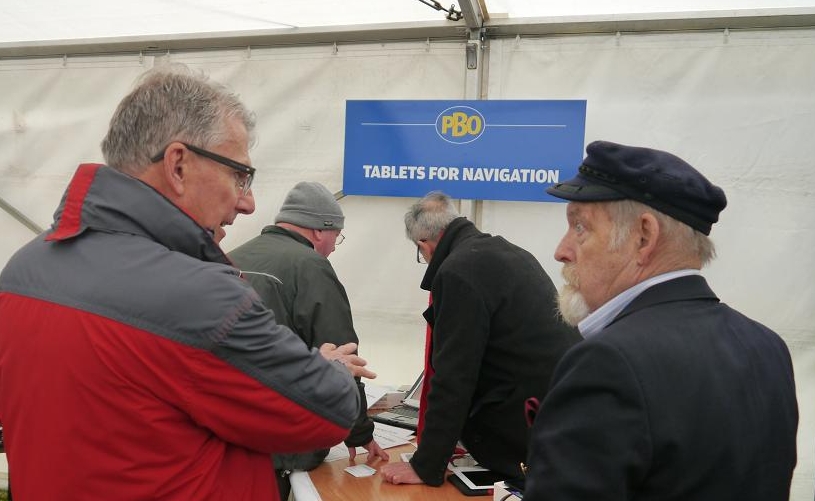
VisitMyHarbour research man Don Thomson (right) discussed using tablets for navigation at the event. Image: (c) Practical Boat Owner
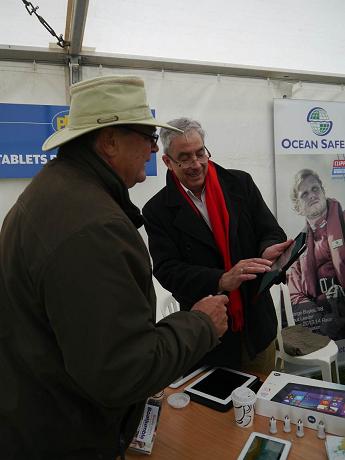
Steve Bryant demonstrates a Windows 8.1 tablet. Image: (c) Practical Boat Owner
For those considering a fully networked system as opposed to a standalone phone/tablet:
- The Windows 8.1 tablets are FAR more capable than ipads or Androids. These are full-blown PCs in small power saving format. They can run powerful legacy software such as OpenCPN, Polar Navy, SeaClear, and specialist racing software such as Expedition.
- The Linx 10" above runs on 5v (2 amp max). It can be networked easily using USB connections. W 8.1 is an eye opener, as it powers up from cold in 15 seconds. This one cost less than £160!
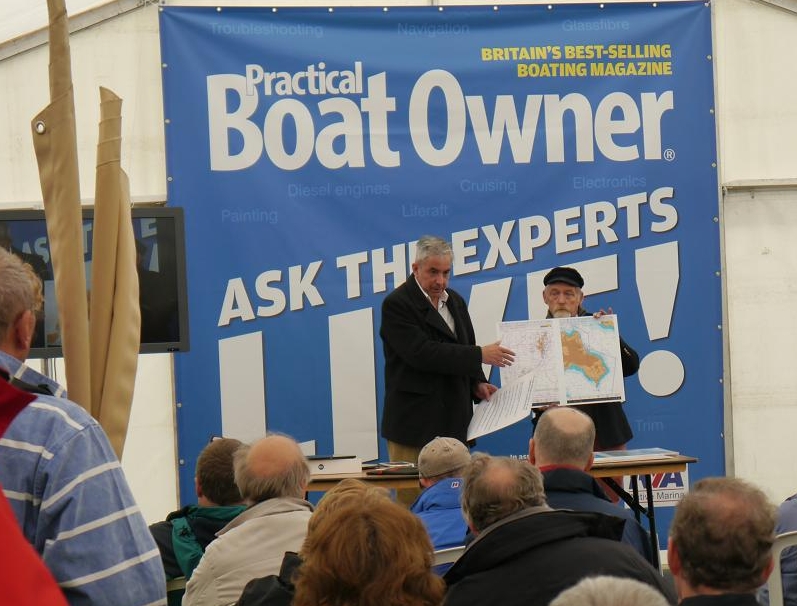
Steve and Don gave a presentation in the PBO marquee at Beaulieu. Image: (c) Practical Boat Owner
The main points in the talk: Using a tablet on a small boat
- The positives
- Small, light, portable, self contained
- Fast start-up from cold
- Built in GPS (Only iPads with a SIM card have GPS. Most androids have GPS)
- Long battery life
- Often 5v charging via USB and cigar lighter plug
- Low power consumption
- Apps and charts often very cheap
- Multifunctional – can be also be used as a tablet at home
- The downsides
- Not marinised, nor waterproof, also fragile
- Not suitable to used in daylight/sunlight – needs shade
- In practice devices don't seem to last that long before requiring replacement
- Storage space varies
- You are tied to using Apple or Google
- App updates can happen outside of your control
- This can lead to problems with your device and/or apps and charts
App/chart combinations
- The positives
- Good route planning with the ability to move waypoints easily.
- Ability to import/export complex routes
- Courses, bearings, ETAs for route points
- Visible Lat/Lon, GOC, SOG
- Show GPS satellite signal strengths for reliability of position
- Easy to see and accurate tidal streams if possible
- Responsive phone/email support if you are having problems
- Get charts for different areas
- Import and use your own charts if you have them
Choosing app & charts styles on the tablet: Vector charts
- The positives
- Late rendered, seamless, crisp
- Smaller to store
- Simpler, more schematic layouts
- Can contain more information available by querying it
- The downsides
- Often bears little resemblance to a paper chart
- Vital/useful information can be 'not obvious'
- Sometimes based on non official data – or simply wrong!
Raster Charts
- The positives
- Drawn by professional cartographers with the exact information required for the chart scale being used
- Has the same look as paper charts
- Designed to give the mariner an 'at a glance' and the information and warnings needed
- In practice, seem to have much better and easy-to-use information for drying areas
- Tend to be using 100% official information
- The downsides
- Raster image formats require more storage space
- Can be 'clunky' in operation, especially when changing charts
- Can be made to appear 'seamless', but to do well needs lots of computer power
Tablet system for larger boat
- Larger boats may have various NMEA feeds they want to display on the tablet, including AIS, speed depth, wind, etc
- Most apps can't handle external NMEA feeds, and Android and iPads cannot be hard wired
- Complicated, expensive networking may involve wi-fi routers, etc
- The simplest solution is to use Windows 8.1 tablet and hardwire everything via USB connection.
- Paring with a Bluetooth GPS enables the tablet to be taken in the cockpit if required.
- Or an HDMI output to external screen.
- Windows tablets are very fast to start up, with low power consumption and easy to arrange charging.
- They are getting cheaper tooGetting cheap – about £160 at the time of publication of this article.
- They will run your favourite navigation programs really well, on touchscreen too.
- Virtually any navigatoin program you can run on a laptop can be run on the W8.1 tablet.
- Including OpenCPN, Polar View, SeaClear, Coastal Explorer, Expedition (racing).. , handle radar overlays, GRIB files
- Virtually any navigatoin program you can run on a laptop can be run on the W8.1 tablet.
- You can use separate Windows for different functions (at same time).
- In short, it is far more versatile for a big boat system